
Deliver messaging, video conferencing, and file sharing in an encrypted, secure, and manageable way. On your own infrastructure, with your data under your control.
Corporate Messaging Platform
Secure Team Communication.
On Your Own Infrastructure.

Data Sovereignty and Regulatory Compliance, on Your Own Infrastructure
VimeSpace offers full compliance with your legal obligations and security requirements through private cloud, hybrid, or on-premise deployment options. With advanced encryption, MFA, Audit Log, and OTR, your communication data remains under your control.

Comprehensive Collaboration Tools on a Single Platform
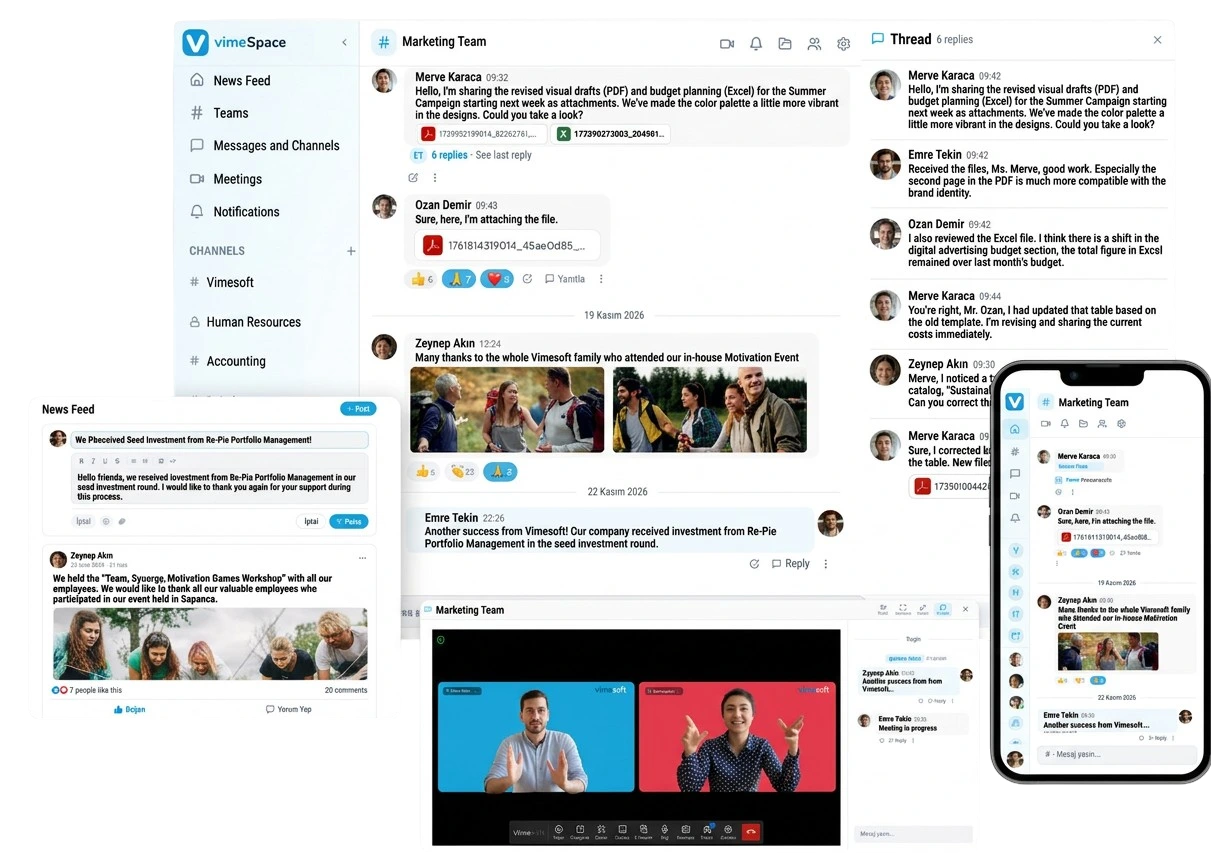
Messaging, video conferencing, file sharing, and Threads (Topic-Based Communication) are brought together on a single secure platform. With focused channels and a flexible access structure, teams stay in seamless communication from mobile or web.

A Platform Tailored to Your Corporate Identity, Fully Under Your Control
VimeSpace is configured according to your organization's needs with your logo, domain name, and channel architecture. While strengthening employee engagement with announcement and interaction tools, communication processes are managed from a single center.








All the Tools for Secure Communication,
on a Single Platform
Messaging, video conferencing, file sharing, and more — all within an encrypted and manageable communication infrastructure.
Messages
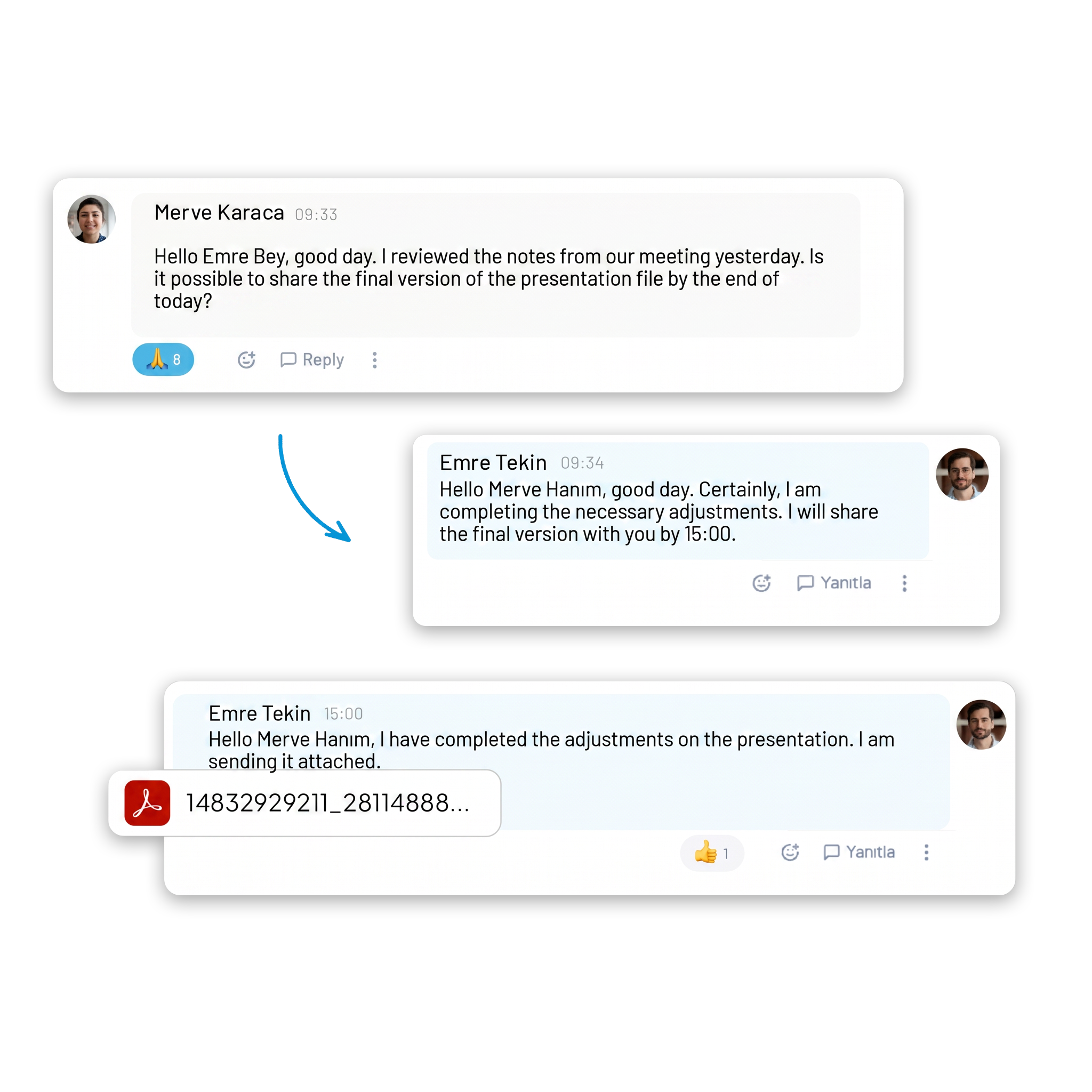
One-on-one and group messaging delivers team communication in a single flow, with support for file sharing, voice recordings, and video calls.
Video Conferencing
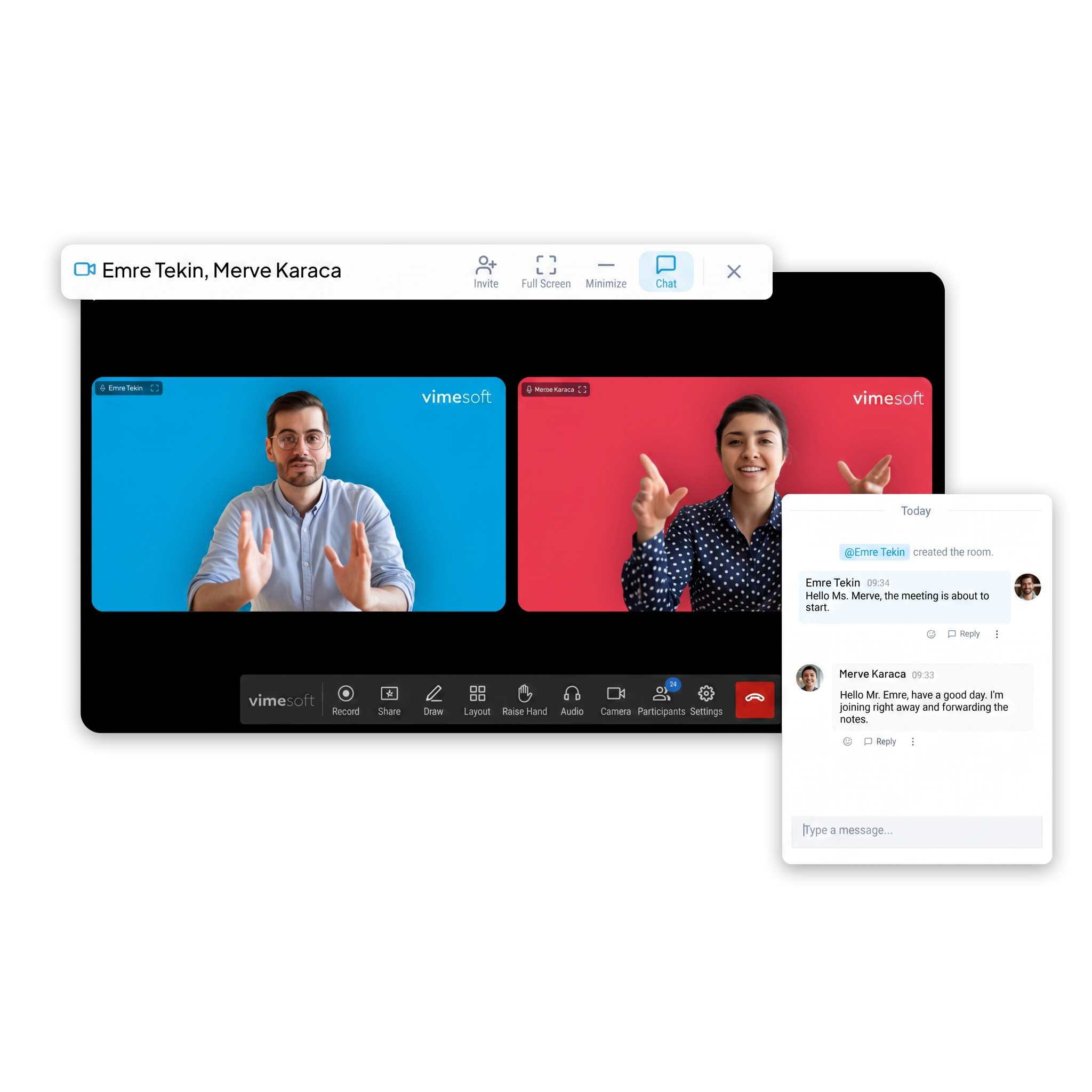
One-on-one and group video calls support collaboration with screen sharing, whiteboard, polls, and remote desktop management features.
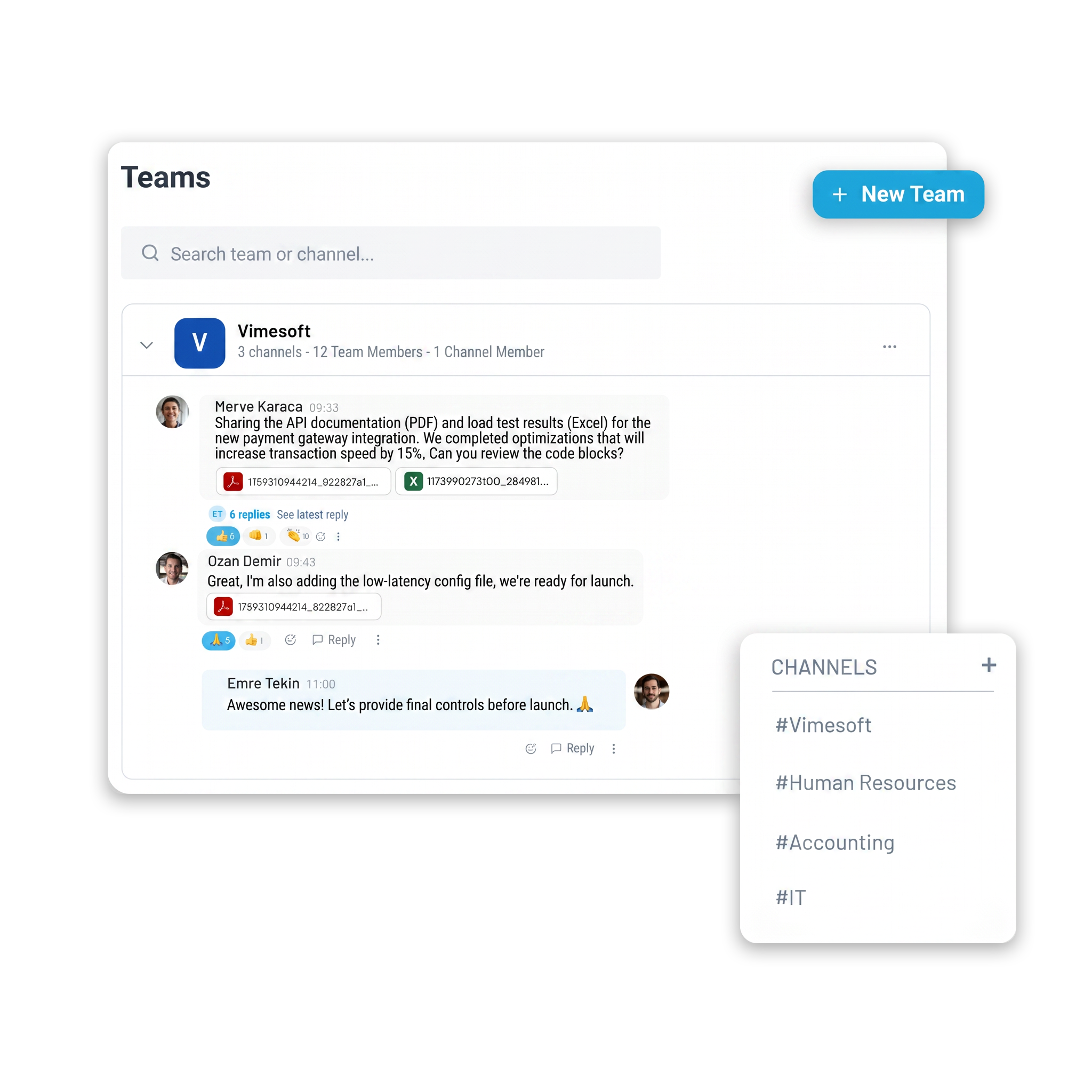
Teams and Channels
A team and project-based channel structure is supported with privacy and notification management. Dedicated channels can be defined for customer and guest access.

Threads
Topic-based message grouping simplifies channel traffic and makes it easier to follow conversations.
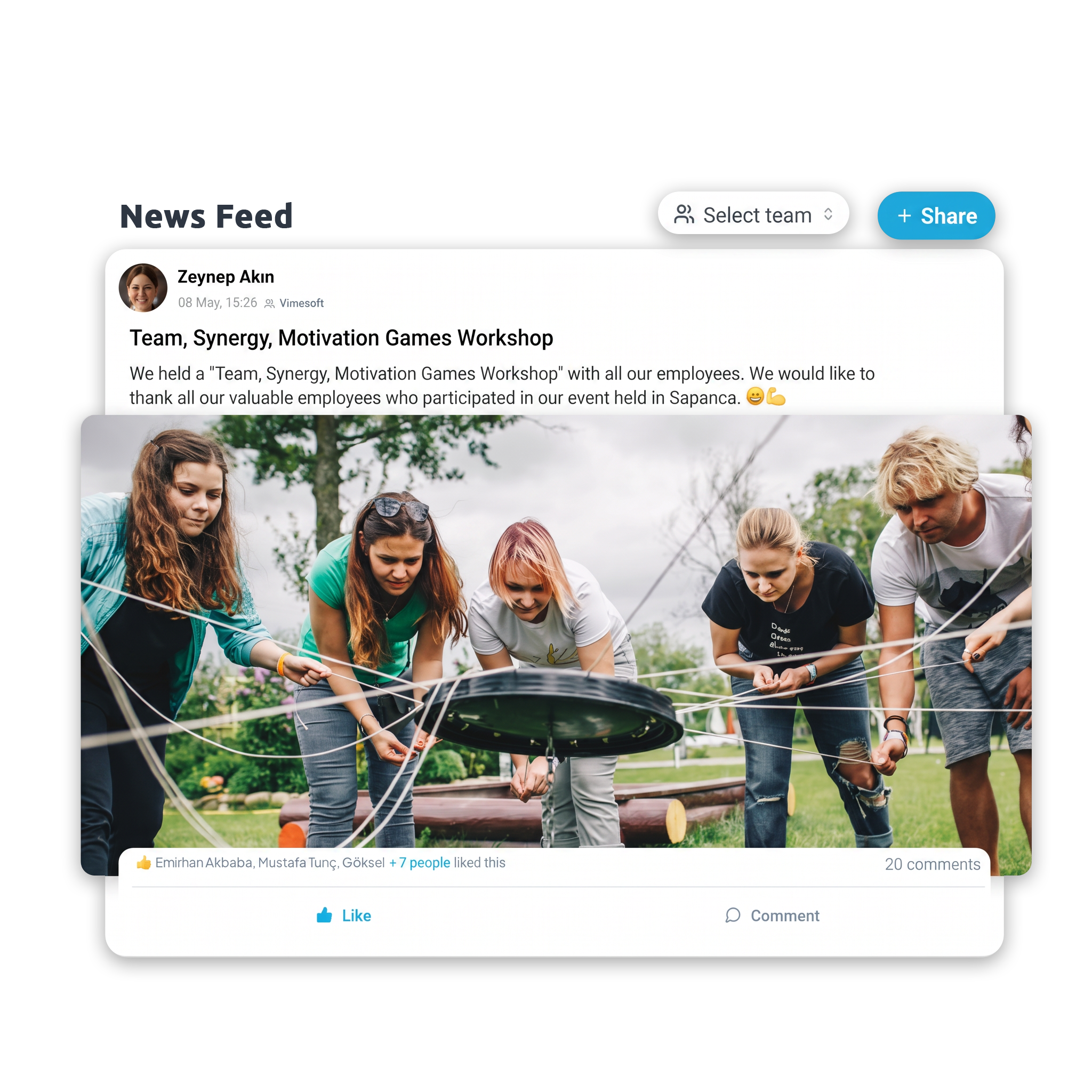
News Feed
Corporate announcements, news, and event notifications are published in a central feed; employee participation is measured through likes and comments.
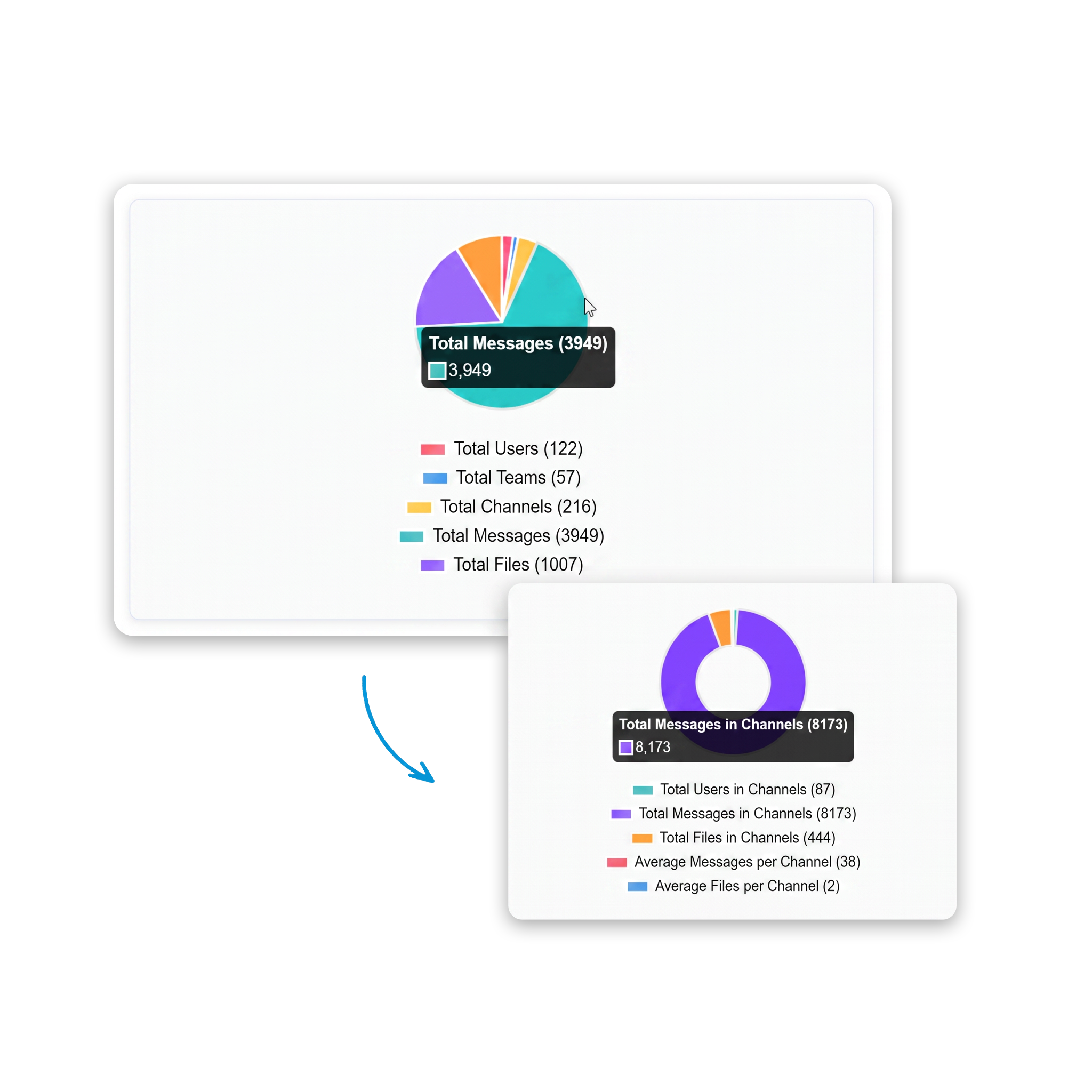
Reports
Message, file, and conferencing data are reported at user, team, and channel level; communication processes are managed with analytical support.

OTR Messaging
Off The Record (OTR) mode for communications requiring high confidentiality; messages and files are not stored in the system and are automatically deleted at the end of the session.

Advanced Search
Instant search across messages, files, and content provides quick access to past conversations and shared items.

Message Pinning
Critical messages and information can be pinned; quick access to priority content is ensured and information loss is prevented.

Smart Notifications
Messages, mentions, and critical updates are delivered instantly; developments can be tracked in a timely manner.

Ease of Use and Personalization
Users can change their status settings and access channel, message, and file sharing statistics from a single screen.

Integration
Connected to corporate identity infrastructure through LDAP, Active Directory, and SSO integration. Outlook calendar integration supports meeting scheduling directly from the platform.

File Sharing
Documents, images, and files are shared quickly and securely via encrypted transfer.


